EN
EN  TH
TH Check Product HUTOX Gen 3.0
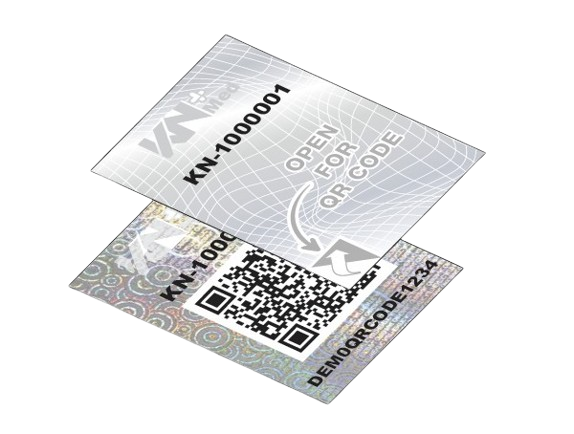
Used for product models that have a hologram sticker attached to the box, as shown in the image. The verification process can be carried out as follows:
- Peel off the top layer of the hologram sticker to reveal the QR code located inside the hologram sticker.
- Scan the QR code via the LINE account; it cannot be scanned more than 3 times.
- The system will display the serial number, scan history, number of scans, product information, manufacturing date, and expiration date.
Alternatively, if any abnormalities are found with the product or if the product has been scanned more than the allowed number of times, the system will notify the user to contact the Call Center.